
Choosing the best fonts for presentation design is essential if you want your slides to be clear, professional, and engaging. A good presentation is not only about content but also about how that content is visually delivered. Typography plays a crucial role in helping your audience understand and remember your message.
The right font can improve readability, highlight key points, and create a strong visual identity. On the other hand, poor font choices can make your presentation confusing and difficult to follow.
In this article, we will explore how to choose the best fonts for presentation design, key typography tips, and recommended fonts such as Avone, Casendro, Gorestka, Joytig, and Qasther.
Why Best Fonts for Presentation Design Matter
Using the best fonts for presentation design helps you communicate more effectively. Presentations are often viewed from a distance, so clarity and readability are very important.
Good typography can:
- Make your slides easier to read
- Keep your audience focused
- Highlight important information
- Create a professional impression
When your fonts match your presentation style, your message becomes more impactful.
Characteristics of the Best Fonts for Presentation Design
Before choosing fonts, it is important to understand what makes a font suitable for presentations.
1. High Readability
Fonts must be easy to read, even from a distance. Clean and simple letterforms work best.
2. Clear Letter Spacing
Proper spacing ensures that text does not look crowded, especially on slides.
3. Strong Visual Hierarchy
Good fonts help distinguish between titles, subtitles, and body text.
4. Versatility
Fonts should work well in different sizes and across various devices.
Best Fonts for Presentation Design
Here are some of the best fonts for presentation design to create effective slides.
Avone
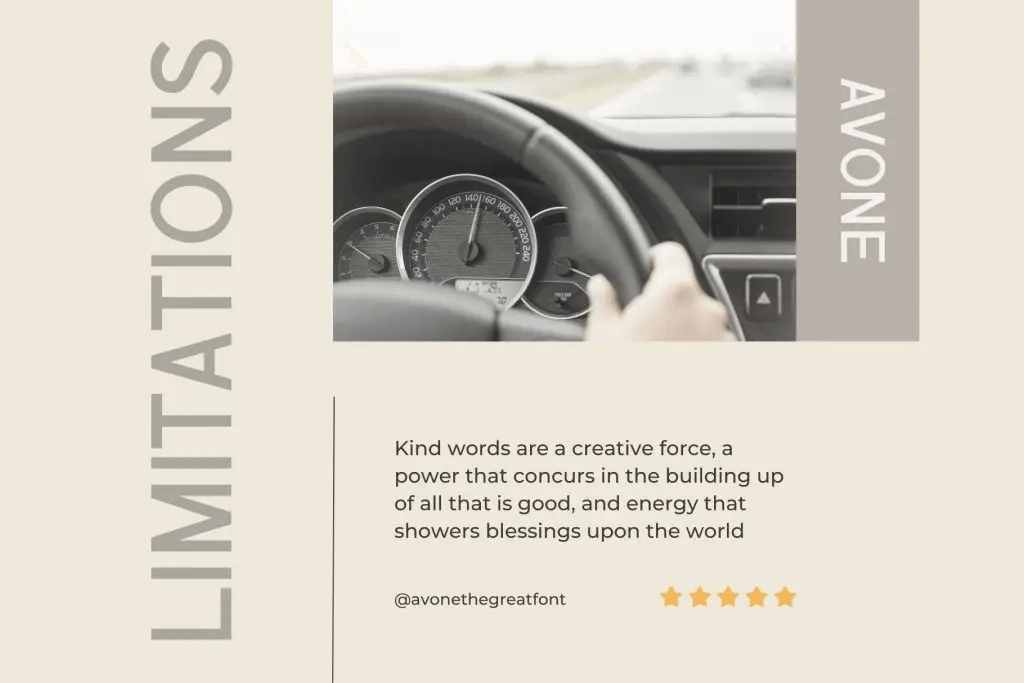
Discover Avone, a sophisticated sans-serif font that brings elegance and boldness to your creative projects.
Characteristics:
- Clean and stylish design
- Balanced letterforms
- Professional appearance
Best for:
- Business presentations
- Jewelry slides
- Wedding invitations
With Avone, every design gains a touch of sophistication and lasting impact.
Casendro
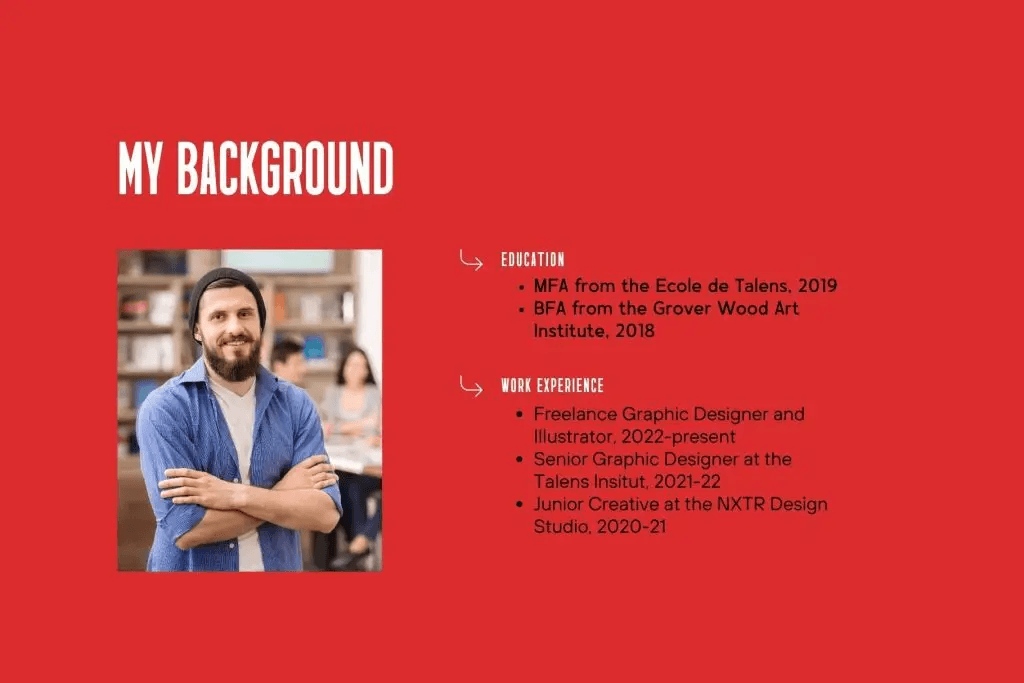
Casendro is a modern higher sans-serif font with bold, sleek all-caps styling.
Characteristics:
- Higher sans-serif style
- Sharp precision
- Condensed font
Best for:
- Personal Branding
- Advertising Campaigns
- Visual Identity Projects
Casendro combines boldness and elegance for designs that command attention.
Gorestka

Gorestka is a modern sans-serif font that combines sleekness with versatility.
Characteristics:
- Sophistication
- Clarity
- Contemporary style
Best for:
- Luxury Fashion
- Creative presentations
- Marketing slides
Gorestka ensures that your designs stand out with style and elegance.
Joytig

Joytig is a beauty sans-serif font that combines modern elegance with charm.
Characteristics:
- Rounded shapes
- Casual and approachable
- Easy to read
Best for:
- Elegant presentations
- Beauty and fashion
- Advertising Campaigns
Joytig helps make presentations feel more elegant and charming.
Qasther
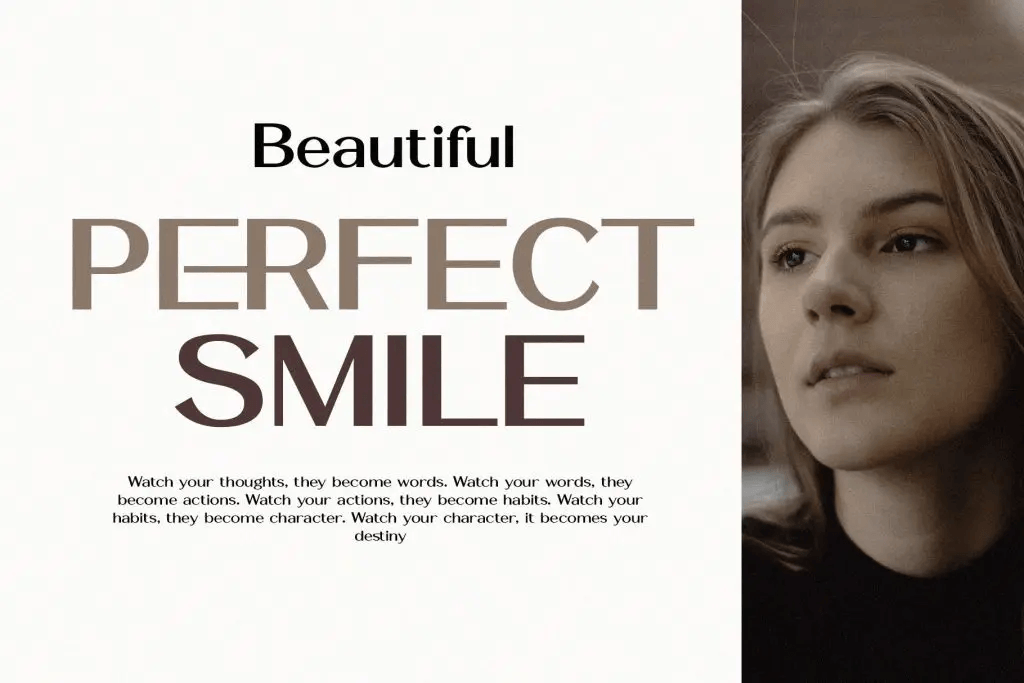
Qasther is a beautiful sans-serif font that combines sophistication with modern clarity.
Characteristics:
- Clean lines
- Minimalist style
- Sharp angles
Best for:
- Business decks
- Portfolio presentations
- Magazines
Qasther brings clarity and professionalism to your designs.
How to Choose the Best Fonts for Presentation Design
Selecting the best fonts for presentation design depends on your audience and purpose.
1. Match Your Presentation Style
Choose fonts based on your theme:
- Formal → Avone, Qasther
- Modern → Casendro
- Creative → Gorestka
- Elegant → Joytig
2. Limit Font Combinations
Use only 2–3 fonts in your presentation:
- Headline font
- Subheading font
- Body text font
This keeps your design consistent.
3. Prioritize Readability
Avoid overly decorative fonts for body text. Always test your slides from a distance.
4. Use Size and Weight for Hierarchy
Create structure using font sizes:
- Title → Large and bold
- Subtitle → Medium
- Body text → Smaller and clearer
Tips for Using the Best Fonts for Presentation Design
Here are practical tips to improve your typography.
1. Keep It Simple
Simple fonts are easier to read and understand.
2. Use Contrast
Combine bold and regular fonts to create visual interest.
3. Maintain Consistency
Use the same font styles throughout your presentation.
4. Avoid All Caps Overuse
All caps can be hard to read if used too much.
5. Use Enough Spacing
Proper spacing improves clarity and prevents clutter.
Conclusion
Choosing the best fonts for presentation design is key to creating slides that are clear, engaging, and professional. Fonts like Avone, Casendro, Gorestka, Joytig, and Qasther each offer unique styles that can enhance your presentation.
By focusing on readability, consistency, and proper font pairing, you can create presentations that not only look great but also communicate effectively.
